
Active sustainability communications should be an integral part of any sustainable tourism journey, yet it is often seen as an afterthought instead of integrated into all marketing and communications. This is a missed opportunity. Sharing your sustainability story — initiatives, achievements, challenges, and impact — in a way that is easy to understand and resonates with travelers, trade partners and other stakeholders not only highlights your accomplishments, but it also helps engage others in this journey which can amplify the impacts of your work.
Berlin Christmas Markets: The Ultimate Guide
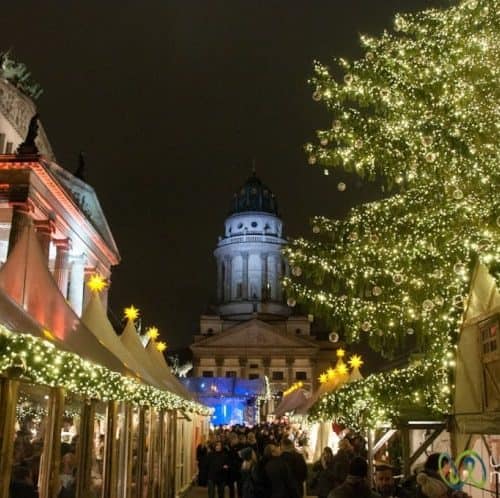
While many cities in Germany have one main Christmas Market, Berlin has dozens of Christmas Markets from which you can choose based on your interests and style. So, which are the best Christmas markets in Berlin?
Whether you're looking for a traditional German Christmas market or something a bit more offbeat, I offer here my handy Berlin Christmas Market guide. The recommendations are based on our experience living in Berlin for ten years and being avid Christmas market fans. It has all the information you need to know, including dates and schedules of Berlin Christmas markets and notes on how to visit my local favorites — these are Christmas markets that will make your visit to Berlin during the Christmas and holiday season even more special.
How Tourism Can Better Invest in Women

The 2024 International Women’s Day theme is Inspire Inclusion, a call to action “to break down barriers, challenge stereotypes, and create environments where all women are valued and respected.” While much progress has been made in gender equality and inclusion over the years, there is still so much awareness needed and work to be done to achieve the goal where everyone is included and has an opportunity for success.
Exploring Lazio: Off-the-Beaten Path Italy Outside Rome
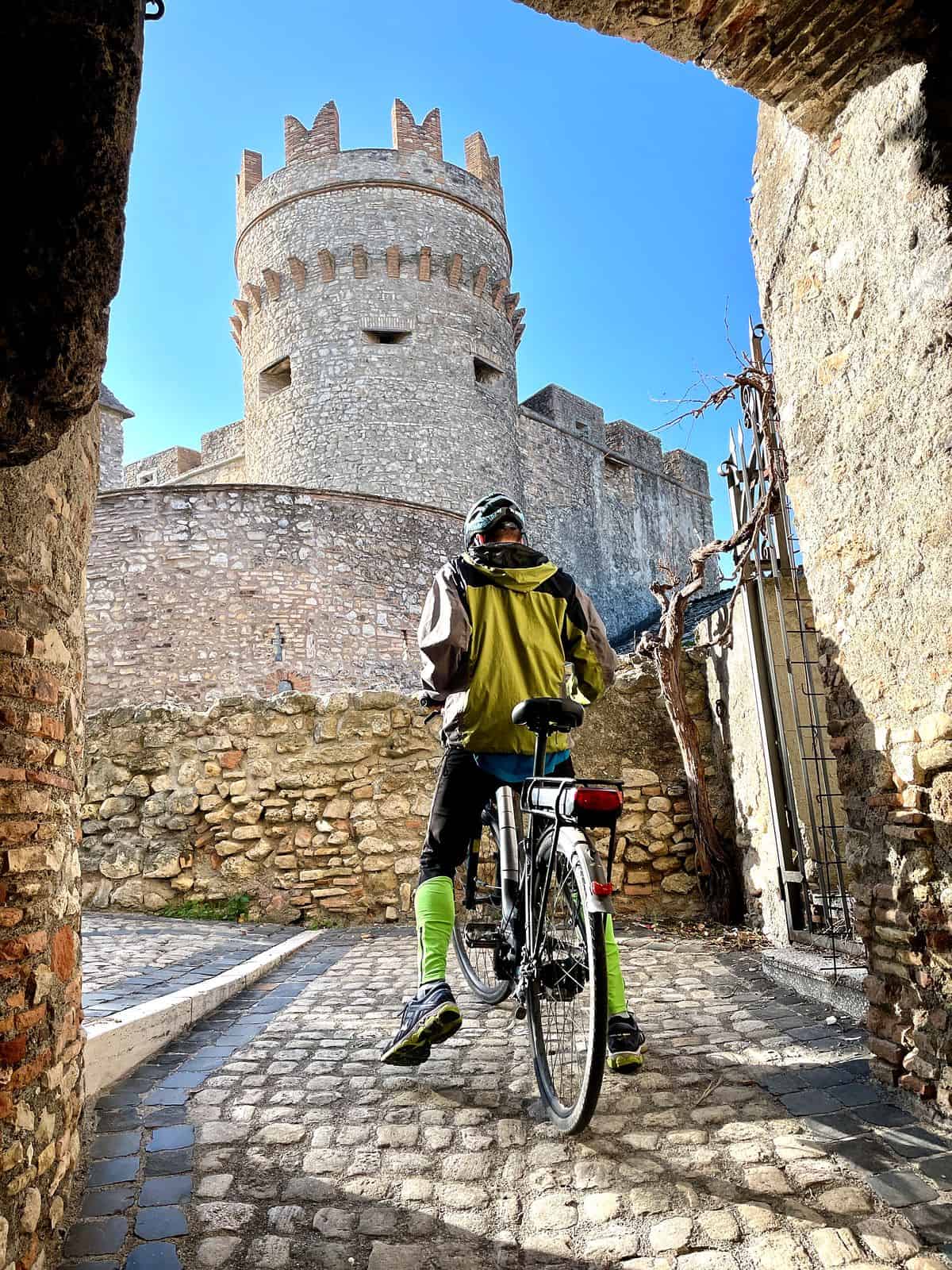
The tires of our e-bikes rested on the cobbles of what we imagined was an old imperial road. Our early morning cycle had wound up through the meadows and canopies of a nature reserve carved out along the banks of the Tiber River in central Italy. A long stretch of road opened revealing veils of mist rising above the bends of water below.
The Lost City, Colombia: A Guide to Hiking to La Ciudad Perdida
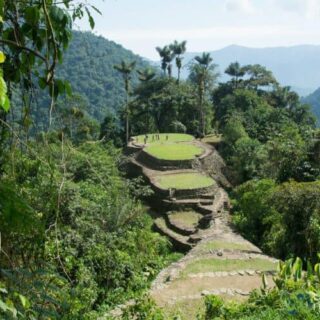
The hike to the Lost City in northern Colombia takes you 46km (28 miles) round trip through the jungles, hills and river valleys of the Sierra Nevada Mountains. We’d had our sights set on the Lost City Trek for years, so expectations had built up. Fortunately, the challenge, landscape, and experience exceeded so many of them.
This Lost City Columbia Hiking Guide shares why that is and includes a day-by-day overview of the Lost City Trek, all you need to know to choose the right tour, how to pack and organize so that you can enjoy the Ciudad Perdida and this multi-day hike to the fullest.
How to Pack For A Hike: The Ultimate Hiking Essentials Checklist

What hiking essentials do I need for a multi-day hike? What gear and hiking backpack should I take on a day hike? What gear would be too much? And what hiking gear is essential so that you are prepared for all types of weather and other scenarios? How am I going to carry it all so it's not too heavy? This Ultimate Hiking Essentials Checklist aims to answer all of those questions — and much more — to prepare you for your next day hike, multi-day trek or outdoor adventure.
Hiking in Cyprus: Best Hiking Trails and Travel Itinerary
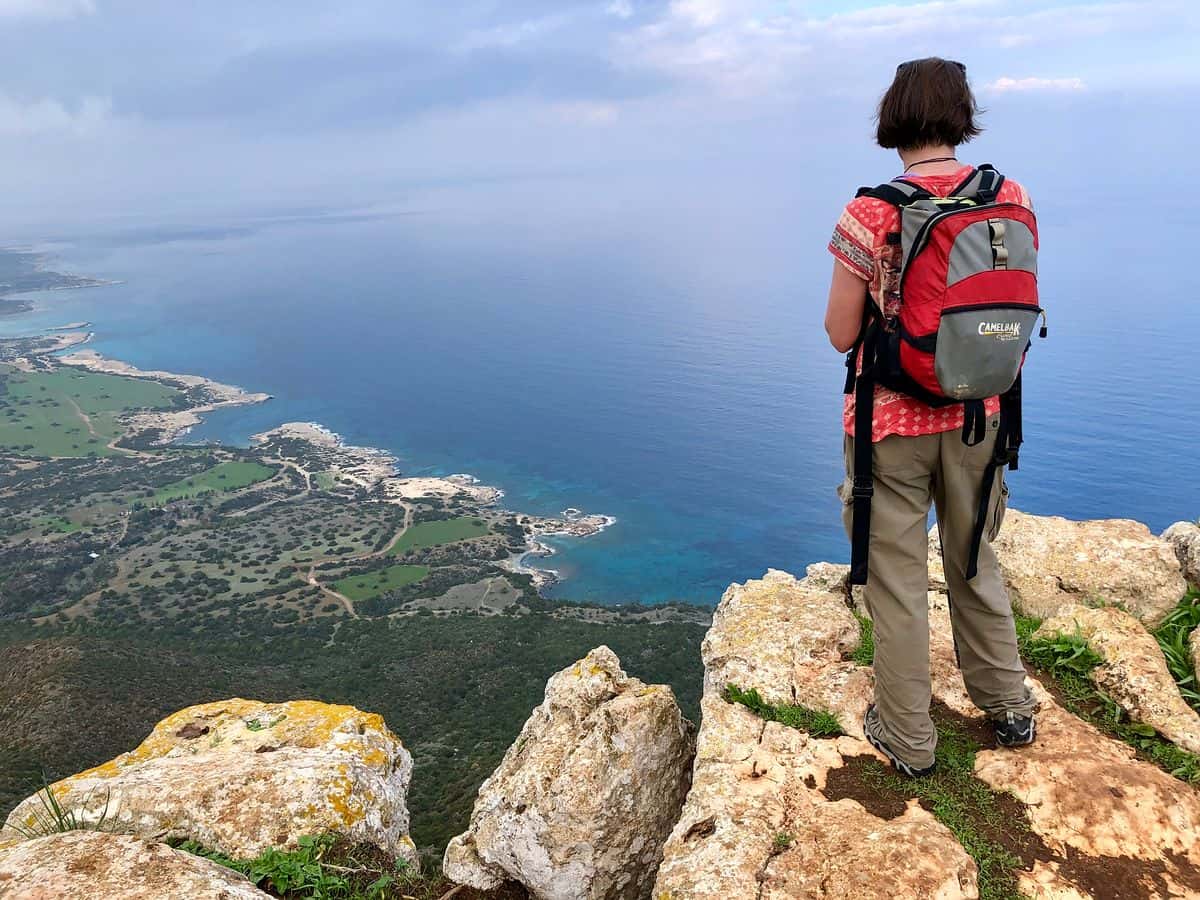
Hiking in Cyprus may not be top of mind when travelers consider this Mediterranean island for vacation. Most associate it with its beaches and resorts. However, our recent visit to Cyprus illustrates that the country not only offers sea, sun and deep history, but a variety of natural landscapes and geological diversity that makes hiking on the island a delight.
We share here our favorite hiking trails in Cyprus, from coastal to mountain hikes. Whether you're interested in a hiking vacation or just to include a hike into your visit to Cyprus, here is all the information you need to plan your trip.
Bhutan Trekking: The Druk Path Trek and New Trans Bhutan Trail

What is it like to go trekking in Bhutan? To go on a Himalayan mountain adventure with wide open landscapes, snow-covered peaks, Buddhist temples, prayer flags, high altitude camping and alpine lakes? We share a taste of trekking in Bhutan with our Druk Path Trek experience — including what you’ll experience day by day, difficulty, how to pack and organize a Bhutan trek, what to expect from a winter trek, and why this is one of the most popular treks in Bhutan. We also share information about the Trans Bhutan Trail, a new hiking route in Bhutan coming available in 2022.
Travel to St. Maarten: 18 Unusual Things to Do
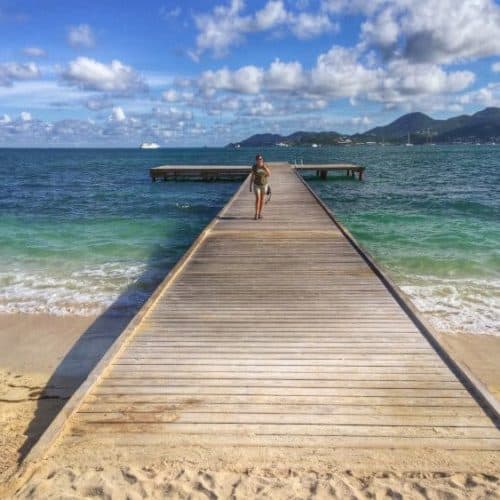
Many people travel to St. Maarten / St. Martin for its Caribbean white sand beaches. While they are beautiful and all that you would expect from a Caribbean island, there are so many more things to do in Saint Maarten / Saint Martin than just its beaches. This travel guide shares 18 unusual things to do in St. Maarten / St. Martin drawn from ten days traveling all around the island with the goal of finding some of its more off-the-beaten path experiences and places.
Whether you’re traveling to St. Maarten / St. Martin as a standalone Caribbean island vacation or as an excursion from a cruise, you'll be sure to find something from our travel guide below with our favorite boat trips, outdoor activities, hikes, beaches, and day trips to make your visit memorable.
Traveling Safely During Covid: Research, Planning and Managing Risk
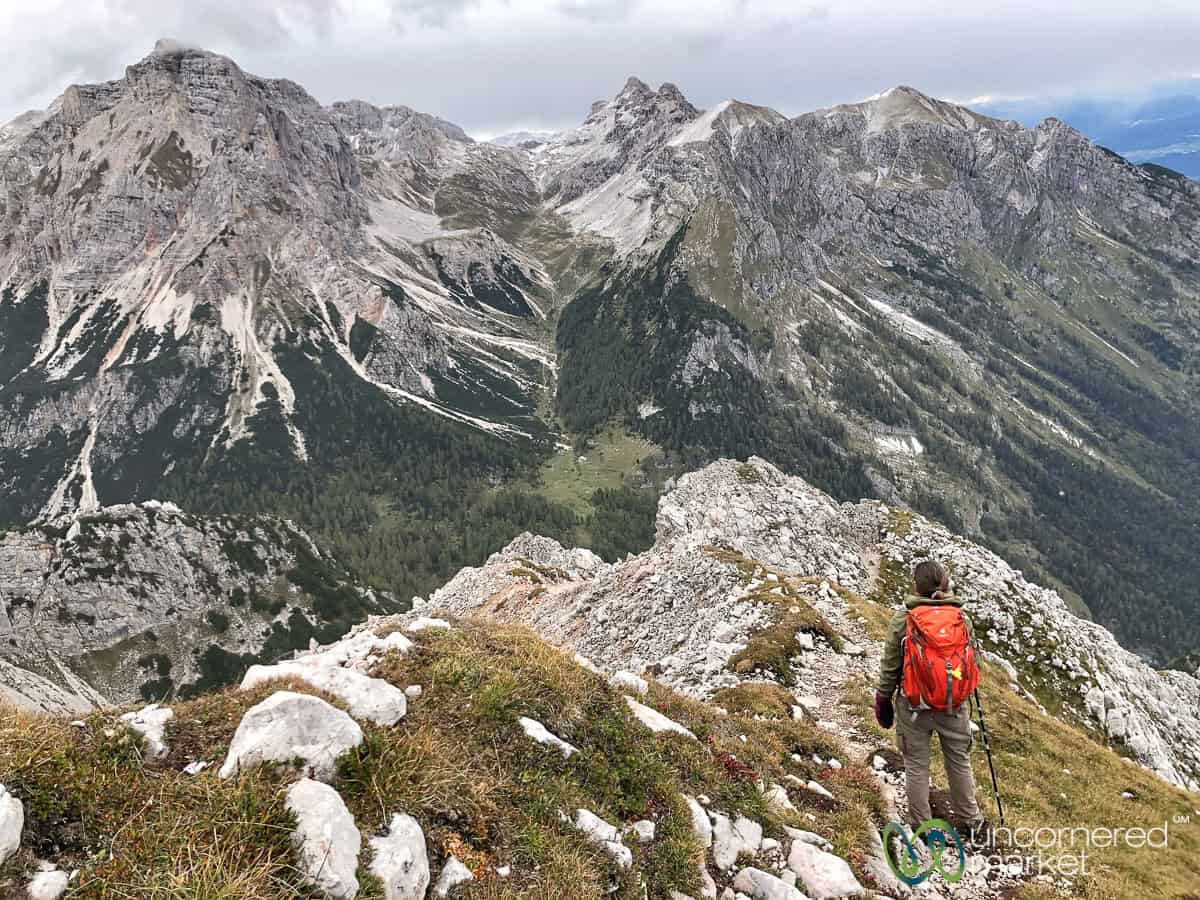
How can one travel safely during Covid? What Covid research and travel planning can you do manage risk while still having a fun vacation? What any additional travel safety measures should one take? How might choices as to where to go, activities, accommodation and transport change during the pandemic?
In this article we address all of this, focusing on the stuff and choices in our control with the goal to mind the health and safety of others, as well as yourself. These lessons apply not only to travel but also to daily life, during the pandemic and beyond. We touch on decision-making, logistics, managing risk, flexibility, adapting to new information, managing expectations, gratitude and satisfaction. Oh, and how it's still possible to have fun and enjoy yourself even in the midst of pandemic challenges, risks and uncertainties.